How-to
How to Plan a Trip from Your TikTok Saves
Updated August 2026
You've saved 47 TikToks of Bali beaches, Rome restaurants, and Tokyo street food. Now what? Most people screenshot them, forget about them, and plan their trip on Google anyway. Here's how to actually turn those saves into a real itinerary.
The problem with TikTok saves
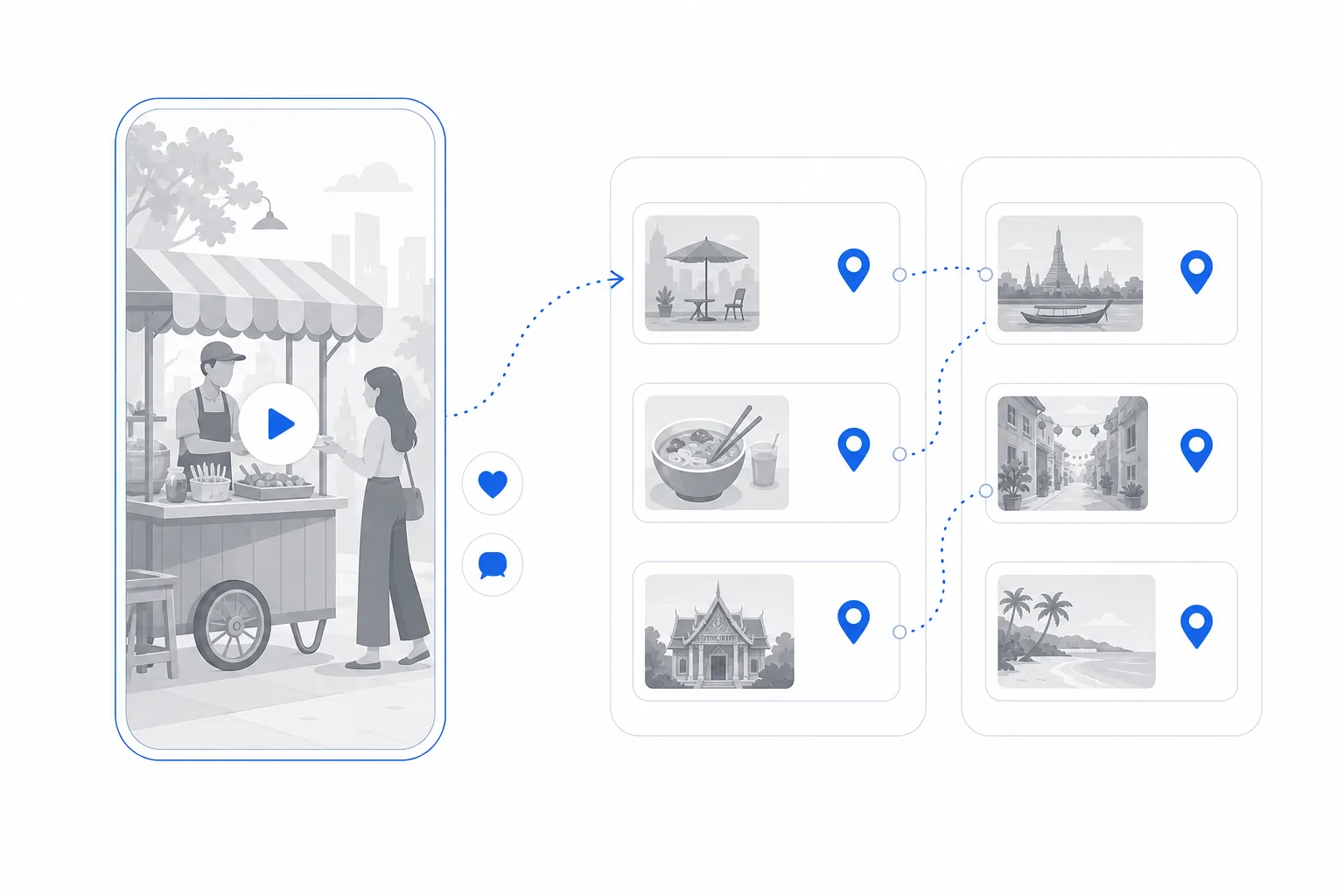
TikTok's save folder is a graveyard. Videos pile up with no organization, no location data, and no way to plan around them. You can't sort by destination, you can't see them on a map, and you definitely can't turn them into a day-by-day plan.
The same goes for Instagram saves and Google Maps pins. Great for collecting inspiration. Terrible for actually planning.
Step-by-step: TikTok saves to itinerary
1. Share the link to Triply
Open a saved TikTok, tap Share, and send it straight to Triply (or copy the link and paste it in the app). Every place in the video gets extracted and lands on your map with a photo, name, category, and a note about what the video said about it. A "top 10 street food in Bangkok" video becomes ten spots from one paste. Popular videos import in seconds because someone has usually imported them before you; a fresh one takes about half a minute.
2. Repeat for your best saves
You don't need to import all 47 TikToks. Because each video can carry several places, a handful of your best saves usually covers the whole trip. Mix restaurants, attractions, and hidden gems; Triply organizes them by destination automatically.
3. Generate the itinerary
Tap "Plan a Trip," choose your destination and dates, and Triply's AI builds a day-by-day plan. It takes your saved spots, adds recommendations to fill gaps, optimizes the route so you're not zigzagging across the city, and assigns everything to logical days.
4. Customize and go
Swap spots, reorder days, or add more places. Everything stays on the map so you can see the full picture. Sights that need tickets show verified booking links, actual Tiqets, GetYourGuide, and Viator products checked against each spot rather than blind search links. And once the trip starts, companion mode shows today's plan and what's nearby. You end up with a trip built from the content you actually care about, not generic AI suggestions.
Works with Instagram too
Same process for Instagram reels and posts. Copy the link, paste in Triply. YouTube works too, both Shorts and full-length travel vlogs — a fifteen-minute vlog often holds a whole trip's worth of places. Everything lands in the same trip, whichever app it came from.
Why this is better than planning manually
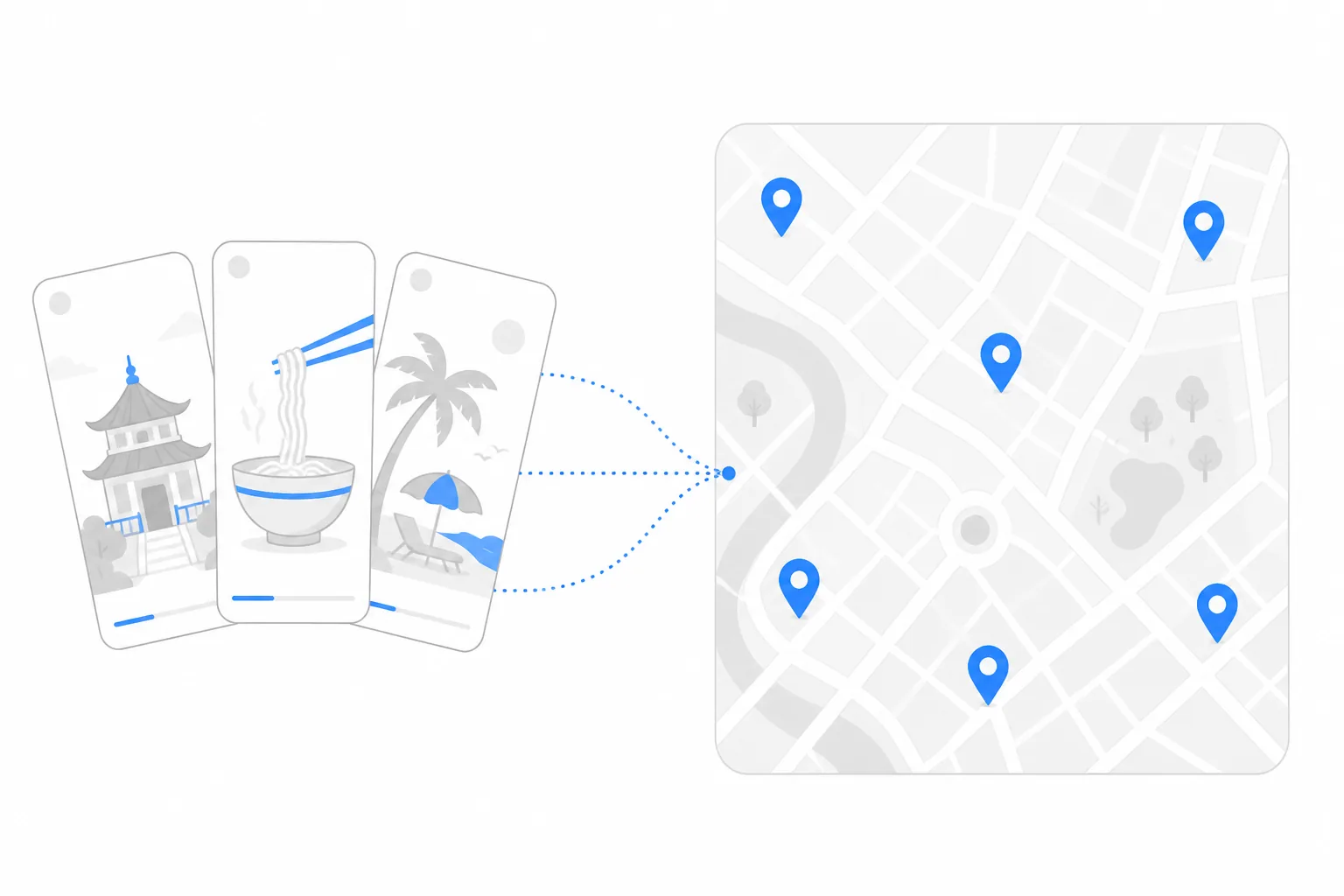
The old way: screenshot TikToks, Google the place name, find it on Maps, add it to a spreadsheet, figure out which spots are near each other, manually build a daily schedule. That takes hours.
This way: paste links, tap a button, get a routed itinerary. That takes minutes. And the itinerary is based on places you actually want to visit, not what an algorithm thinks tourists want.