How-to
Instagram Saved Posts to Google Maps: The Fastest Way (2026)
October 2026 · 6 min read
Quick answer
There is no export from Instagram to Google Maps. The fastest way that works for any post, tagged or not:
- Open the saved post, tap the three dots (or the share arrow) and Copy link.
- Paste the link into Triply. It reads the caption, the image text and the audio, finds every place, and verifies each one with a photo and coordinates.
- Every place now has a real map pin. Open it in Google Maps for navigation, or let Triply build the day-by-day trip. Free on iOS and Android.
One post with a location tag? Method 1 below is the manual tap. Many posts? Method 3 is the one.
Your Instagram saves are the best trip research you have and the least usable. A hundred posts, some tagged with a location, most not, the place name buried in a caption or written on the image. Meanwhile Google Maps is where you actually navigate. Getting from one to the other is a manual job, and this guide shortens it as far as it goes.
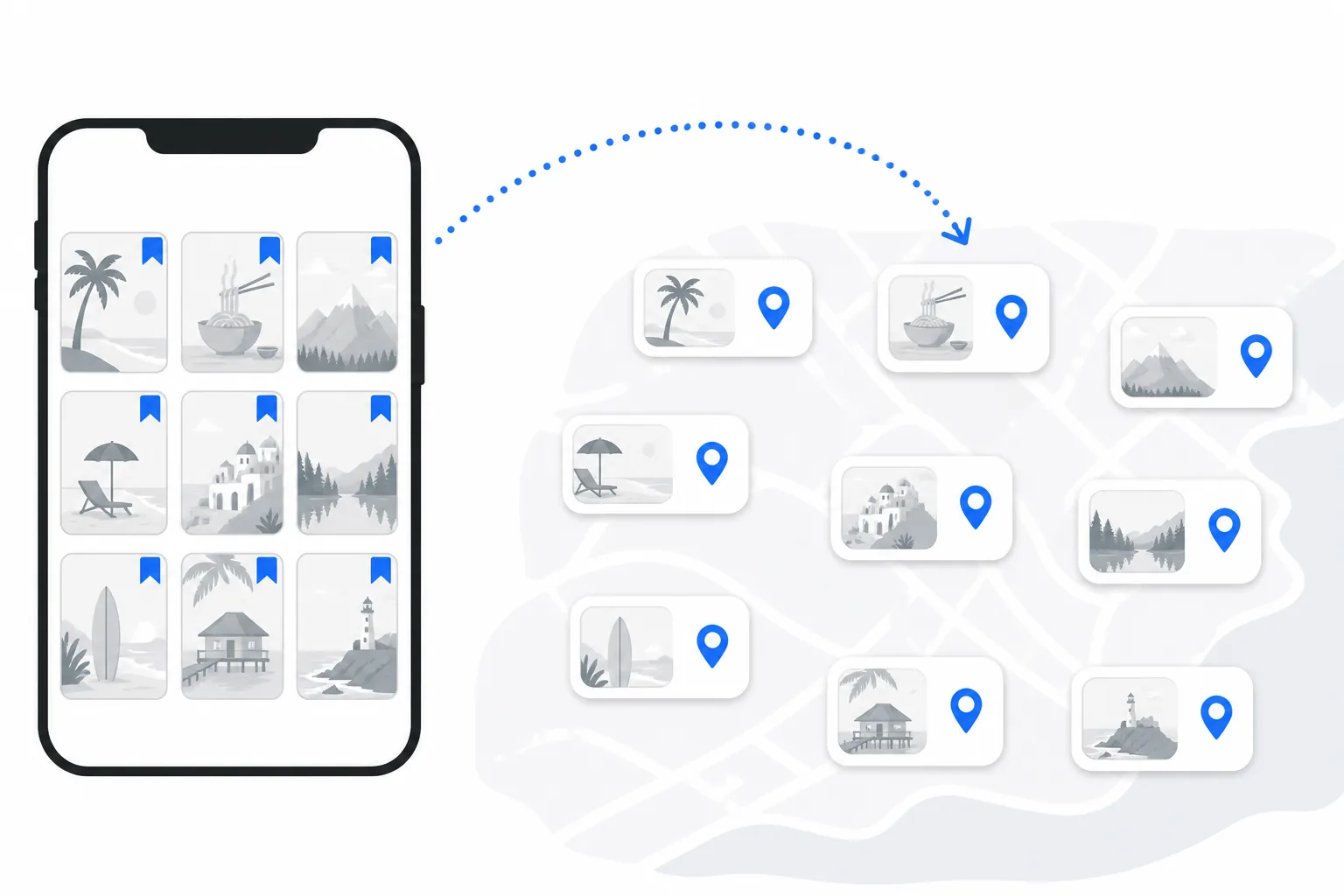
First, know where your saves are
Open your profile, tap the menu (three lines, top right) and choose Saved. By default everything sits in All posts. Tap the plus to create a collection, and from now on press and hold the bookmark icon when you save to pick a collection. One collection per destination is the single habit that makes the rest of this guide fast. Our guide to planning a trip from Instagram saves goes into the saving habits in more depth.
Method 1: The location tag (one post at a time)
If the post has a location tag, the name shown above the image, you can get it into Google Maps by hand:
- Tap the location name above the post. Instagram opens its page for that place with a small map at the top.
- Tap the map (on some versions the button is Get directions) and pick Google Maps when asked which app to use.
- In Google Maps, tap Save and choose a list, ideally one named after the trip.
Three honest limits. Most travel posts have no location tag at all, or carry a city tag ("Lisbon, Portugal") that points at nothing useful. Instagram's location database is its own thing, so the tag sometimes opens the wrong branch or a closed listing. And it is one post at a time, which for 60 saves is an evening.
Method 2: Search by name (for untagged posts)
For a post with no usable tag, read the caption or the text on the image, open Google Maps, type the name plus the city, and Save. It works; it is just slow, and it fails quietly when a caption says "this cafe" and nothing else. Check the comments: someone has usually asked "where is this?" and the creator answered once.
If you do go manual, make it count. Save every place into one list named after the trip rather than the general Want to go pile, and write a two-word note on each save ("dinner, book", "sunset") so the reason survives. When the trip is planned, share that list with the people coming; our guide to sharing a Google Maps list with friends covers collaborator editing.
Both manual methods share a bigger problem: even when every place is in Google Maps, you have a list of pins, not a trip. Google Maps will not group them into days or put them in a walking order. If the goal is a plan, Method 3 skips straight to it.
Method 3: Paste the post link (the fast way, any post)
- Open the saved post or Reel, tap the three dots (or the share arrow) and Copy link. From the share sheet you can also share straight to Triply.
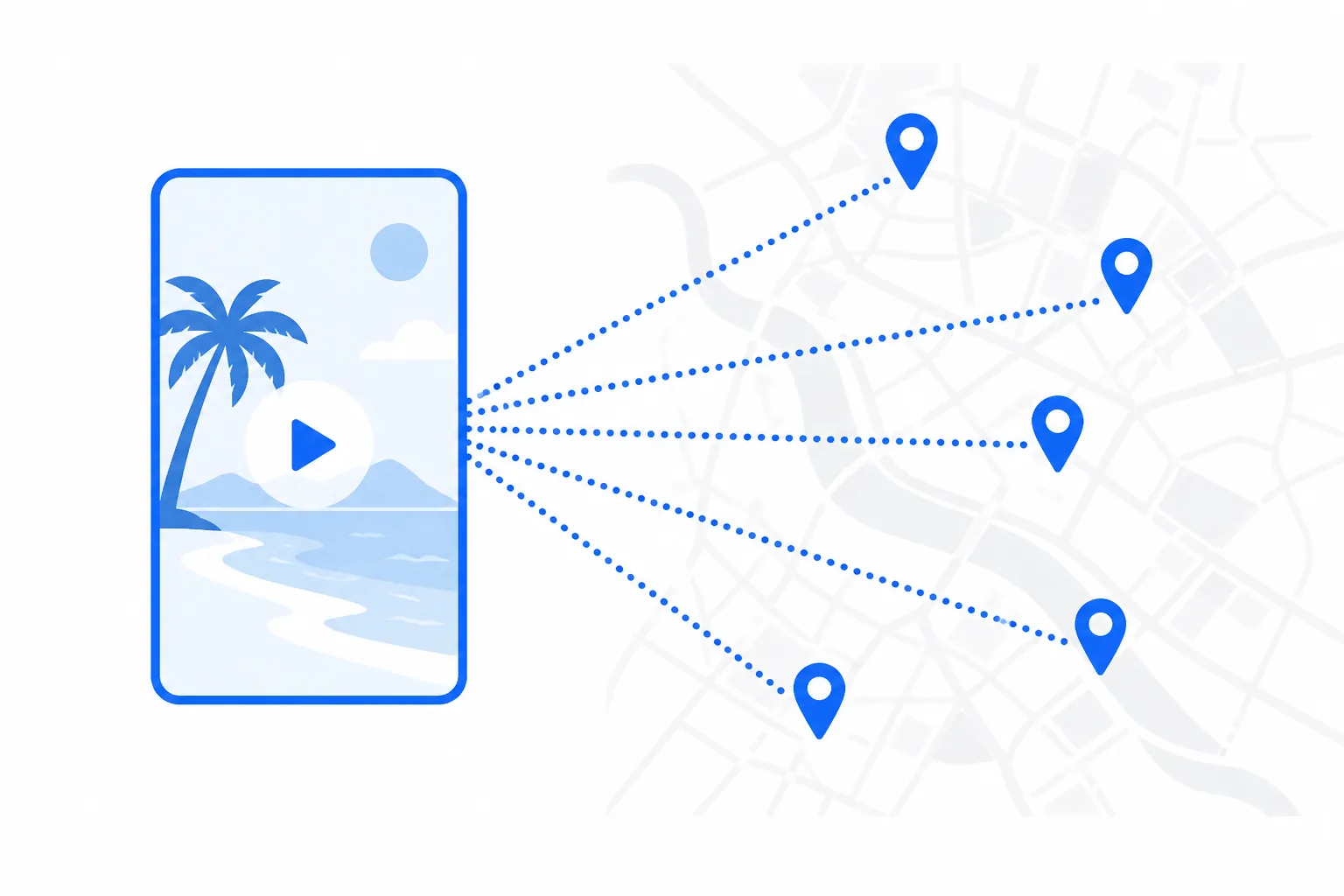
- Paste the link into Triply's import box. The app fetches the post and reads the caption, the text on the image or video, the audio and the location tag.
- Every place it finds is checked against a real location: a photo, exact coordinates, a category, and current status where available. A place that cannot be verified is named as not found rather than guessed.
- Repeat for the rest of the collection. A "10 best cafes in Porto" carousel gives you ten verified places from one paste.
Each place in Triply opens in Google Maps with one tap when you need directions, so Google Maps still does the navigation. What changes is that the places arrived with coordinates attached, and they sit in a planner that can turn them into days.
From pins to a plan
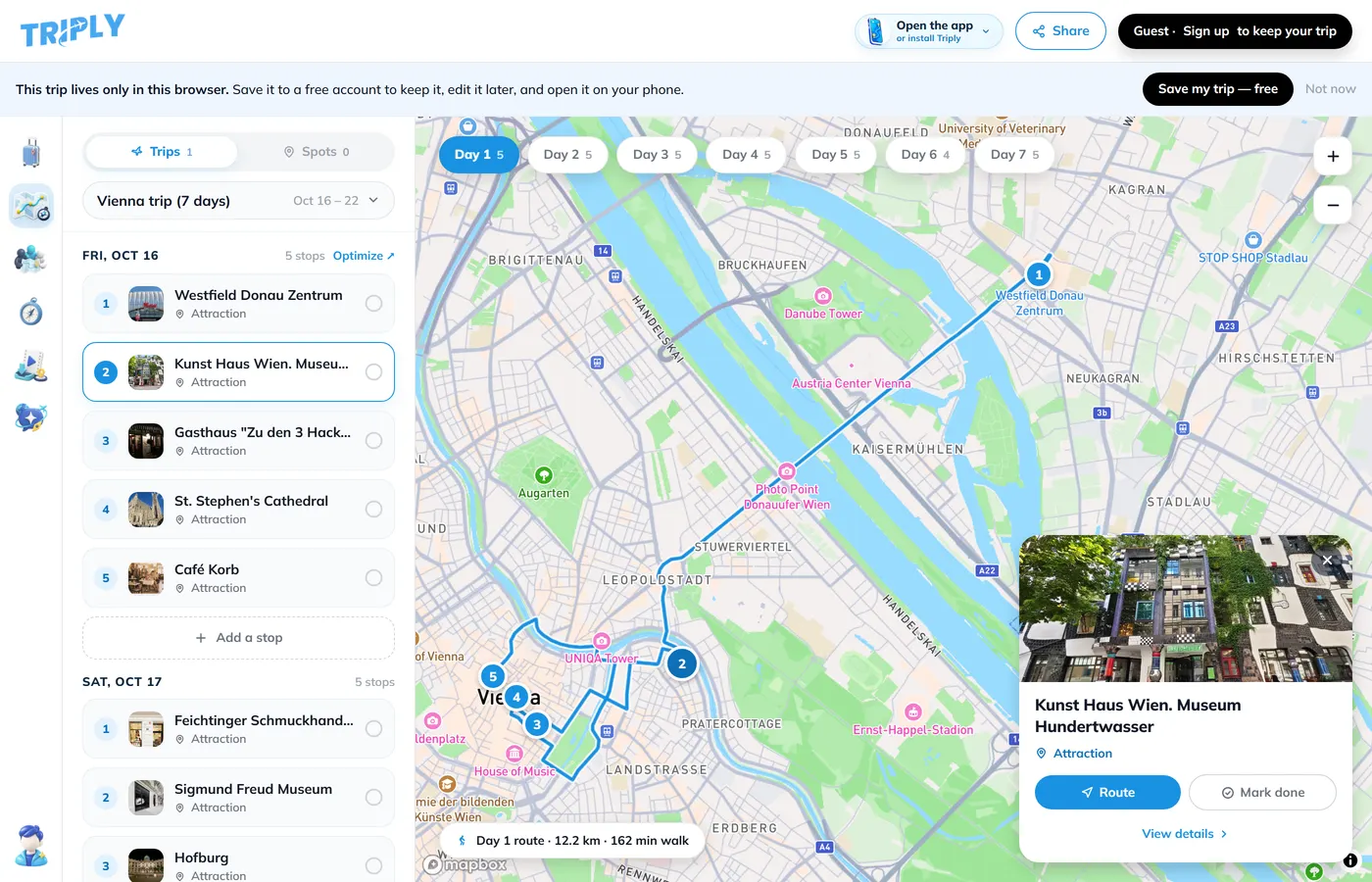
Once the places are in, set your dates and build the trip. Nearby places share a day and each day gets a walking order. Drag anything that landed on the wrong day, drop the extras, and keep five to seven places per day. The trip has a share link that opens on any phone, so the person who sent you the Reel can see what you did with it.
Already have a Google Maps list for the same trip? Share its link into the same Triply trip and the pins join the Instagram places; our guide to turning Google Maps saved places into an itinerary covers that. And if you ever want your Maps saves out as a file, the export guide has the clicks.
Why there is no "export to Google Maps" button
Instagram's data download (Settings → Your information → Download your information) includes your saved posts as a list of links. No place names, no coordinates. Instagram keeps its own location database that does not line up with Google's, and neither company has a reason to build the bridge. So the bridge is a third tool that reads the post and resolves the place, which is what Method 3 is.
Frequently asked questions
Can I export my Instagram saved posts?
Not as a list of places. Instagram's Download your information tool includes your saved posts as links, with no place names or coordinates. For trip planning, copying the post links into a planner that reads them is faster than the export.
How do I open an Instagram location in Google Maps?
Tap the location name above the post. Instagram opens its own page for that place with a map at the top. Tap the map (or Get directions, depending on your version) and choose Google Maps. Then tap Save in Google Maps to add it to a list.
What if the post has no location tag?
Most travel posts don't. The place name is then in the caption, on the image or in the comments. Paste the post link into Triply and it reads all of those, finds the places, and verifies each one against a real location with a photo.
Is there a way to add many Instagram saves to Google Maps at once?
Google Maps has no bulk import from Instagram. The fastest route is to import the posts into Triply, where every place is already a real location with coordinates, and plan the trip there. Each place in Triply links out to Google Maps for navigation.
Does this work for Reels and carousels?
Yes. Reels, single images and carousels all work the same way: copy the link, paste it, and every place mentioned in the caption, on screen or in the audio is pulled out.