How-to
How to Save TikTok Travel Videos and Actually Use Them for Your Trip
October 2026 · 6 min read
Quick answer
- Save the video with the bookmark (Favorites) icon, and put it in a collection named after the destination.
- When you plan, open the video, tap Share → Copy link, and paste the link into Triply.
- Triply pulls every place out of the video, checks each one against a real location with a photo, and builds a day-by-day trip from the ones you keep. Free on iOS and Android.
TikTok is where trips get discovered now. "7 cafes in Lisbon you can't miss", "hidden beaches in Puglia", "Tokyo food tour, part 3". You save them with one tap, and that is exactly the problem: saving is so cheap that by the time you travel you have 140 saved videos, no idea which city each one covers, and the only way to get a place name out of any of them is to rewatch it with a pen.
This guide fixes both halves. First, how to save so your trip research is findable later. Second, the part that matters: getting the places out of the videos and into a plan you can follow, without rewatching anything.
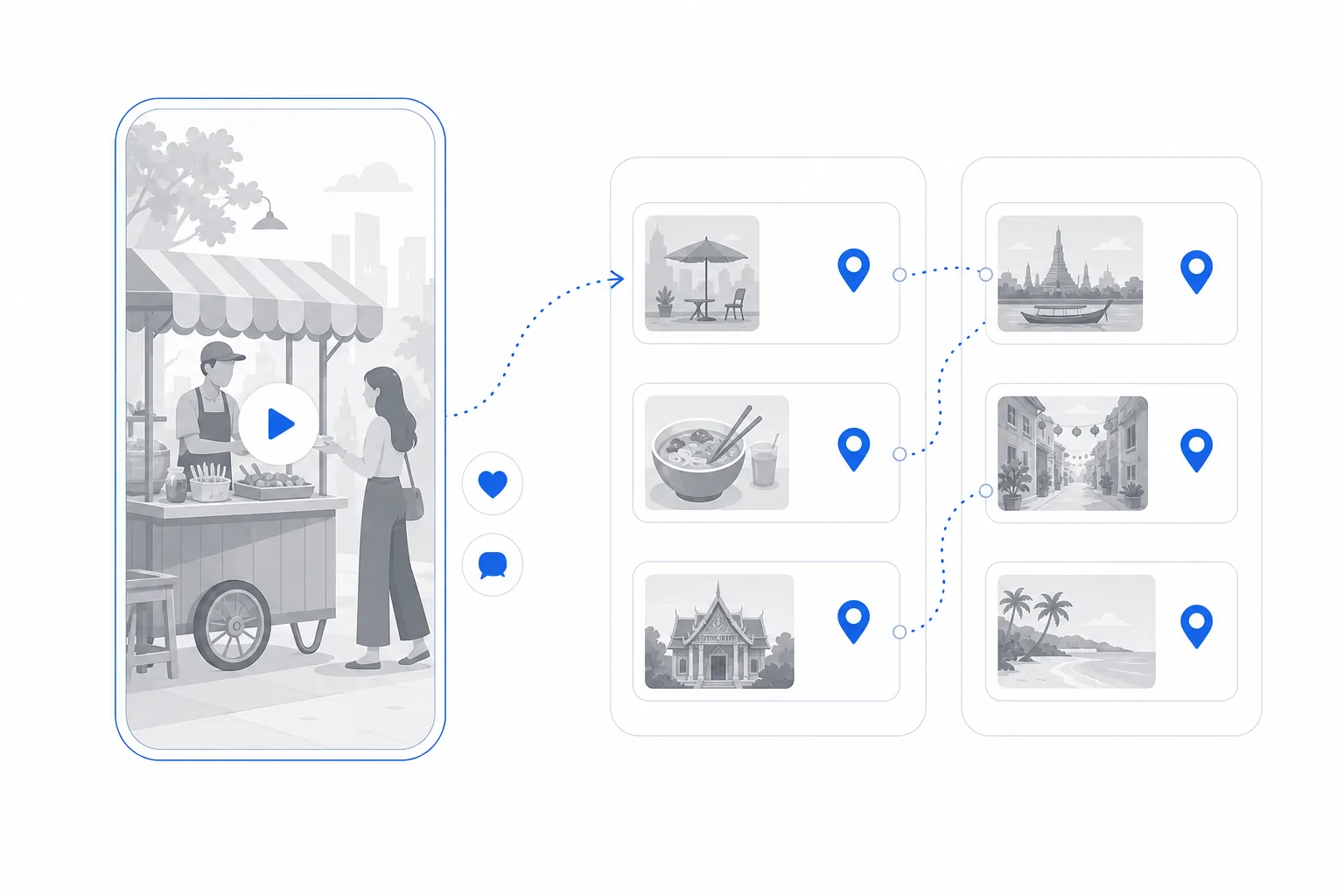
Where TikTok saves actually go
The bookmark icon on the right side of a video (TikTok calls it Favorites; the icon looks like a flag or ribbon depending on your version) saves the video to your profile. To find them later: open the Profile tab and tap the Favorites tab next to Liked. Saves are private by default, so nobody sees your research.
Favorites is a single feed, newest first. That is fine for ten videos and useless for a hundred, which is why the next step matters.
Step 1: Save into collections, one per destination
- Open Favorites on your profile and tap the plus (+) to create a collection. Name it after the place and the rough date: "Lisbon, May".
- From now on, when you save a video, choose Add to collection (it appears right after you tap the bookmark on most versions) and pick the destination.
- Go through the existing pile once. Open each saved video, tap the bookmark again or use Add to collection, and file it. Anything you can't place after five seconds: unsave it. If you don't know what it is, you will not use it.
Collections are the difference between "I know I saved something about Porto" and finding it. They also make the next step a batch job instead of a scavenger hunt.
Step 2: Get the places out of the videos
A saved video is not a place. The name is in the caption, in the on-screen text, in the voice-over, or in the location tag, and often spread across all four. Rewatching and typing names into Google Maps is how most people do it, and it is why most saved travel videos are never used. Here is the shortcut:
- Open the video in your collection and tap Share, then Copy link.
- Open Triply (free on iOS and Android) and paste the link into the import box, or share the video straight to Triply from TikTok's share sheet.
- Triply fetches the video, reads the caption, the on-screen text and the audio, and pulls out every place it mentions. A "7 cafes in Lisbon" video gives you seven places, not one.
- Each place is checked against a real location: a photo, exact coordinates, a category. A place that cannot be verified is named as not found rather than guessed, so you can add it by hand if you know what it was.
- Repeat for the rest of the collection. Everything lands in one library for that destination.
Works the same for Instagram Reels and YouTube, so a trip researched across all three ends up in one place. Our step-by-step guide to planning a trip from TikTok saves shows the import screen by screen.
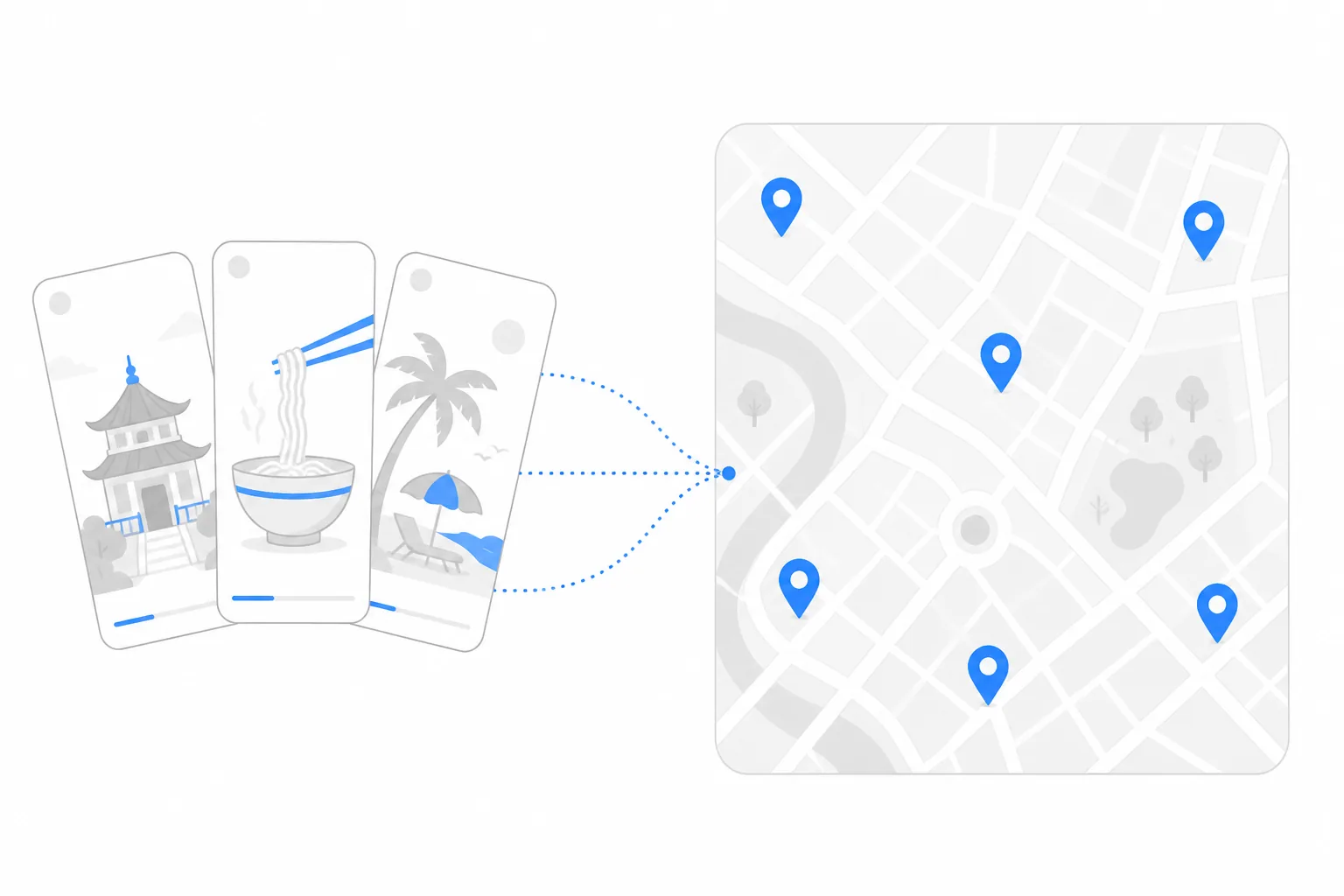
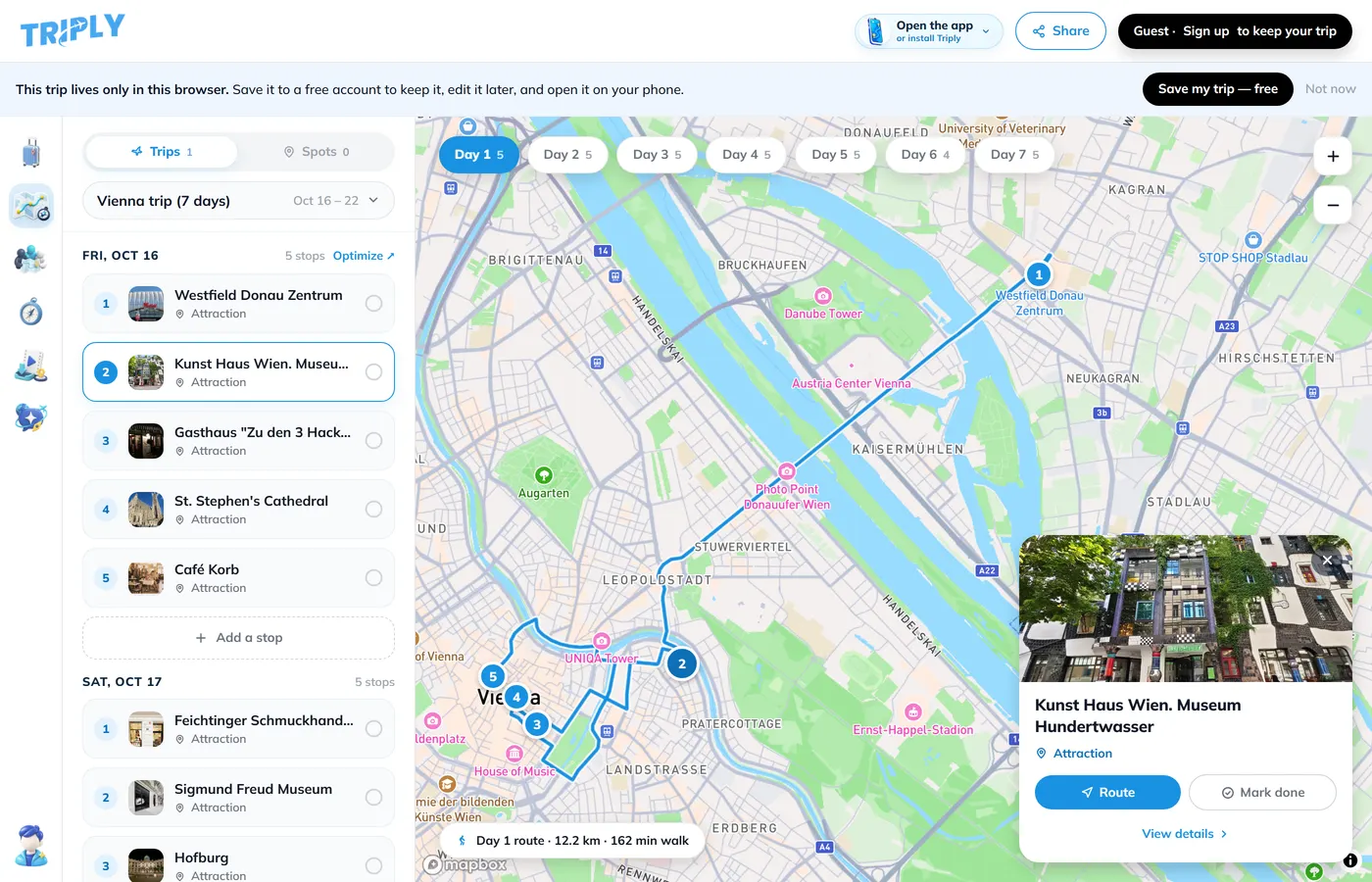
Step 3: Turn the places into days
Now you have 25 real places for Lisbon instead of 14 videos. Set your dates and let Triply group them: nearby places share a day, and each day gets a walking order so you are not crossing the river three times. Look at the result, drag anything that is in the wrong day, and drop the extras. Five to seven places per day is a trip; twelve is a checklist.
Your Google Maps saves can join the same trip. Share a saved list link and Triply reads every pin and note; our guide to turning Google Maps saved places into an itinerary covers that side. If you need the Maps list out as a file first, there is an export guide too.
What goes wrong, and what to do about it
The video names a dish, not a restaurant
Food TikToks love this. If the restaurant is never named in the caption, the text or the audio, there is nothing to find. Check the comments: the creator usually answers "where is this?" once. Then add the place by name.
The creator says "this spot" and tags a city
A city tag is not a place. Triply will tell you the place could not be pinned rather than inventing one. Same fix: comments, or the creator's pinned Maps list if they have one.
Ten saved videos, same five places
Popular spots get filmed by everyone. Duplicates are merged into one place in your library, and you will quickly see which places are a consensus and which are one creator's opinion.
The place has closed
Travel videos live for years; restaurants don't. A verified place in Triply shows its current status and hours where available, so a 2023 video pointing at a closed cafe shows up as closed before you walk there.
A saving habit that pays off
- Save by destination, not into the general pile. Create the collection before the trip is even real.
- Import as you go. Pasting a link takes ten seconds today and an hour of rewatching in six months.
- Unsave the vibes. A beautiful drone shot with no place name is entertainment, not research.
- Keep the video. Once imported, the place in Triply links back to the TikTok, so you can rewatch the one you want to visit on the day.
The point is not to save less. Save everything that catches your eye; that is what TikTok is good for. Just make the step from saved to planned a paste instead of a project.
Frequently asked questions
Where are my saved TikTok videos?
On your profile. Open the Profile tab, then tap the Favorites tab (the bookmark or flag icon next to Liked). Everything you saved is there, newest first, with any collections at the top. Favorites are private by default.
Can I organize TikTok saves into folders?
Yes, with collections. In Favorites tap the plus (+) to create a collection, or when you save a video choose Add to collection. One collection per destination keeps trip research findable.
How do I get the places out of a TikTok video?
Copy the video link (Share, then Copy link) and paste it into Triply. The app reads the video, the caption and the on-screen text, finds every place mentioned, and checks each one against a real location with a photo before saving it. Then it builds a day-by-day trip from the places you keep.
Does this work if the place is only shown, not named?
Only when the name appears somewhere: the caption, the on-screen text, the location tag or the spoken audio. A place that is only filmed, with no name anywhere, cannot be identified reliably, so Triply names it as not found instead of guessing.
Is importing TikToks into Triply free?
The app is free on iOS and Android and the free tier includes monthly credits for imports. Pro raises the limits and adds Triply AI, with a 7-day trial.