How-to
Google Maps List Limit: How Many Places Can You Save?
November 2026 · 5 min read
Quick answer
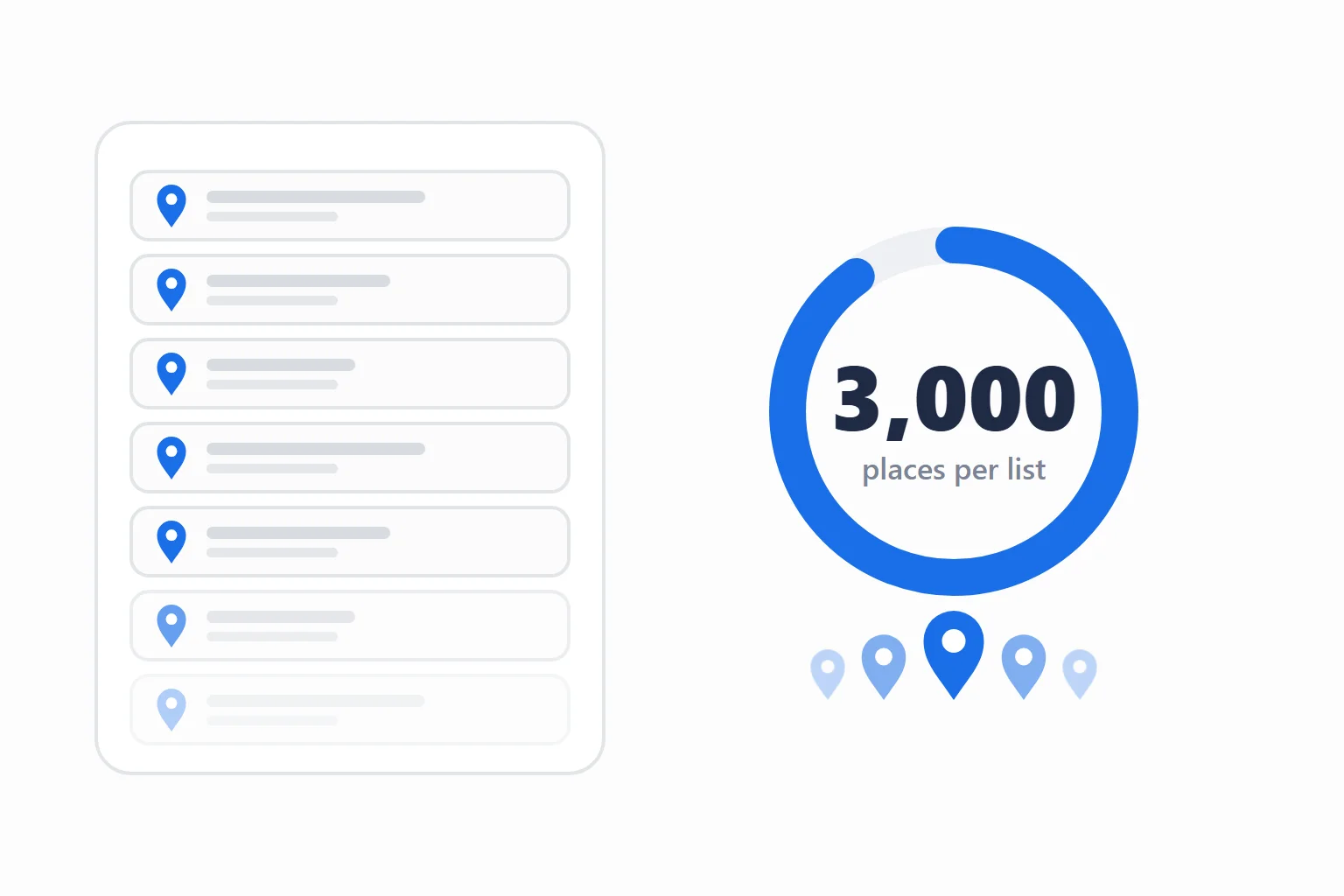
A Google Maps saved list can hold up to 3,000 places. Google's help page says: "Saved Lists are limited to 3,000 entries. Lists with more entries may not display properly." The 500 figure you still see in older articles is out of date.
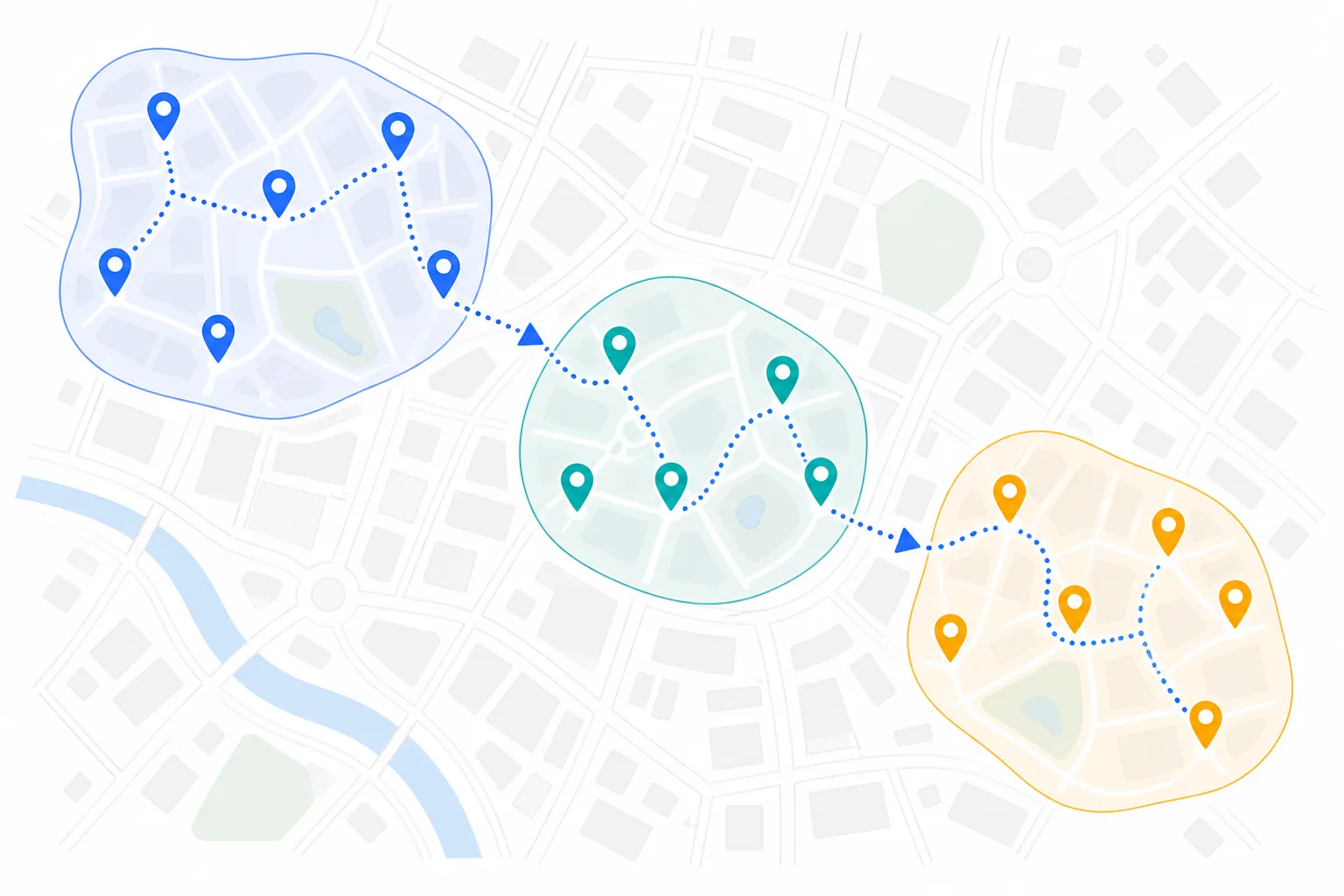
Most lists stop being useful long before that. If yours is too long to plan from, paste its share link here and get the places grouped into days:
Works in your browser, no download. Your first list is free, no account needed.
The limit applies to each list on its own: Favorites, Want to go, Travel plans and every list you made yourself. It is the same on Android, iPhone and the web, because lists live in your Google account and not on the device. We checked the help page on 11 November 2026; Google has changed this number before, so if you are close to it, look at the current wording.
What happens when a list gets close to the limit
Google only says that longer lists "may not display properly". It does not promise an error message, and it does not say what happens to the place you try to save as number 3,001. People with very large lists report in Google's help forum that the list is slow to open or does not expand fully on a computer. So treat 3,000 as a wall you should not stand next to, and split the list well before you get there.
Google's help pages give no limit for how many lists you can have. That is the way out: more lists, fewer places in each.
The limits you hit long before 3,000
Almost nobody runs into the hard limit. These are the ones that get in the way of an actual trip:
- Directions take 9 stops. Google Maps directions accept up to 9 stops including the final destination, and you add them one at a time. A list cannot be turned into a route. Our guide to making a route from saved places covers the workarounds.
- There are no days. A list is one pile. Google Maps has no trip dates and no day 1, day 2, so an 80-place list for a week in Japan is the same flat list as a 5-place one.
- The map gets crowded. Every list shows its pins on your main map unless you hide it (open the list's menu and choose Hide on your map). With a few hundred pins in one city you stop seeing the map.
- Tools that read a share link read part of it. A list's share link hands over a limited number of places. Triply reads up to 60 per link, which is one more reason to keep one list per city.
How to split a list that got too big
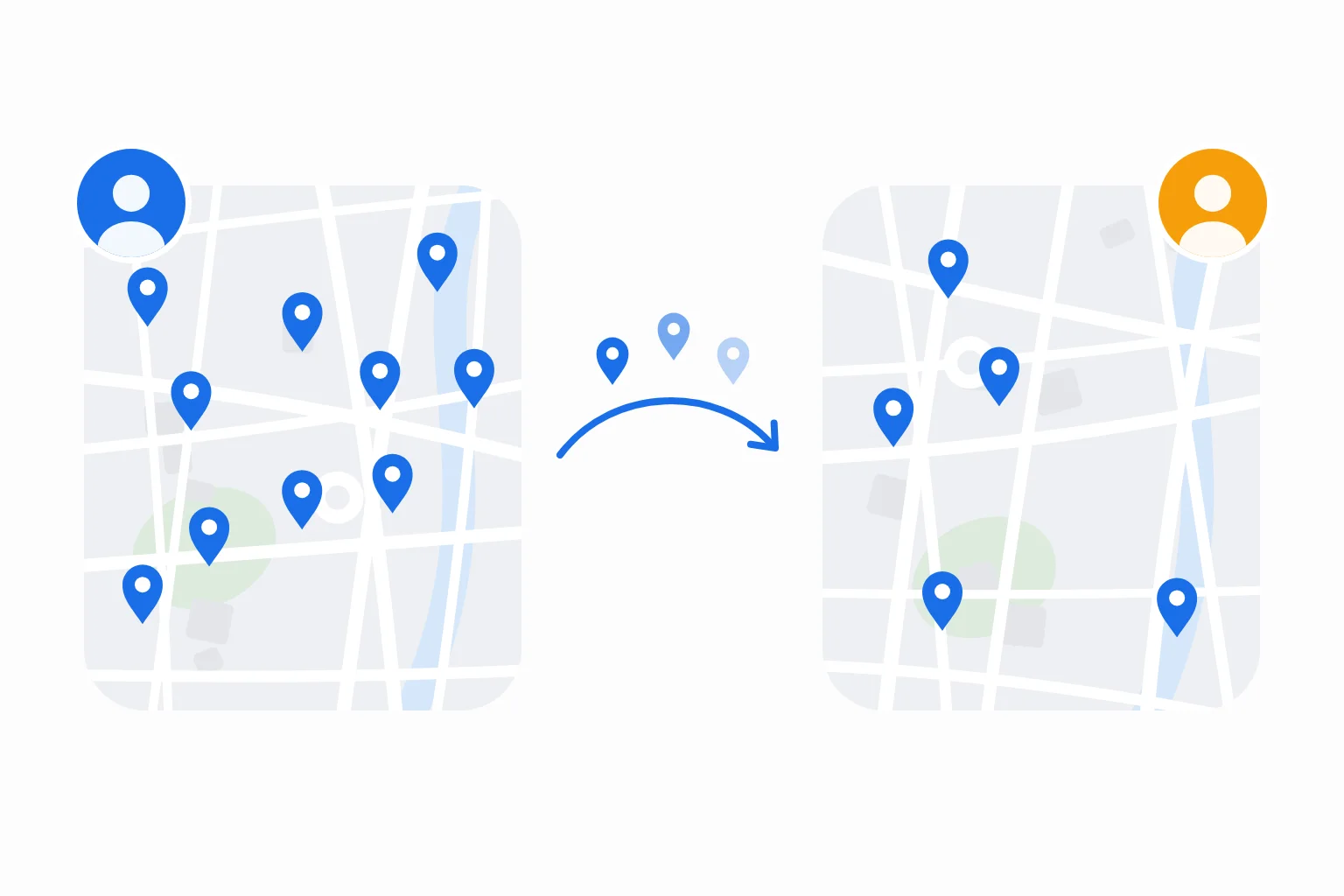
Split by destination. "Want to go" with 400 places across twelve countries becomes "Lisbon", "Tokyo", "Rome" with 30 to 60 each.
On Android (several places at once)
- Open Google Maps and tap You, then See all.
- Touch and hold a place to select it. Tick the check box next to the others, or tap Select all.
- Tap Save.
- Pick an existing list or tap New list, then tap Done.
On iPhone or a computer (one at a time)
- Open the big list and open a place in it.
- Tap Save (it shows as Saved) and tick the new list.
- Repeat for the places that belong to that trip.
Saving a place to a second list does not take it out of the first one. To remove it from the big list, open that list, tap More, then Edit list, and tap Remove next to the place. If you only want the big list to stop cluttering the map, hiding it is quicker than emptying it.
Before you reorganize hundreds of places, take a backup. Google Takeout downloads every list as a CSV file; our guide to exporting Google Maps saved places has the four clicks.
From a long list to a trip
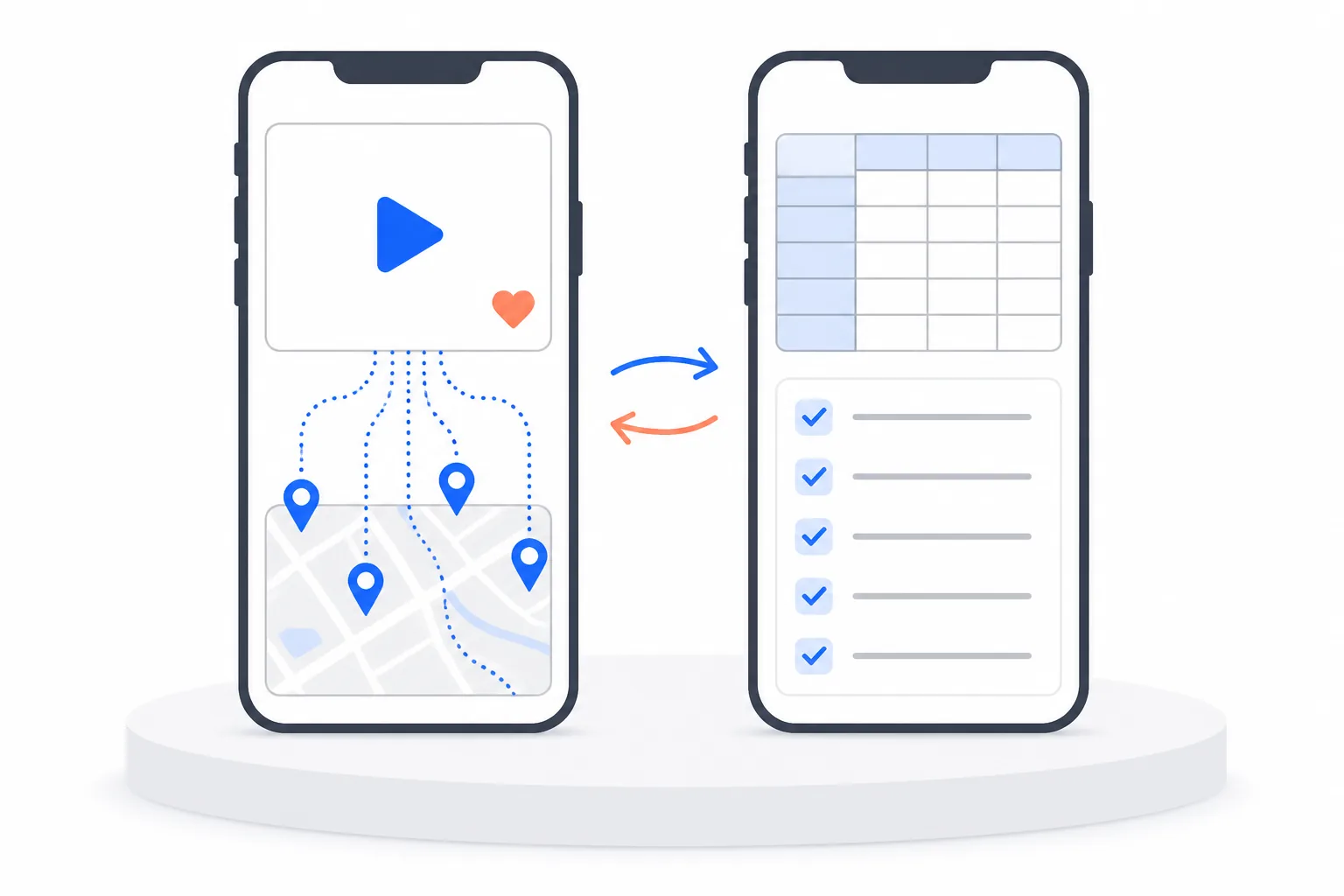
Once a list covers one destination, the share link is all a planner needs. Open the list in Google Maps, tap Share, copy the link and paste it into the box above or on the Google Maps list to itinerary tool. Triply reads up to 60 places from the link, with the notes you wrote on them, and matches each one to the real place with a photo and coordinates. Untick what you no longer care about and tap Build a trip. A trip takes up to 35 stops across at most 7 days.
The list has to be shared by link for this to work; a private list has nothing to read. Starred places cannot be shared by Google Maps at all, so save those into a normal list first. The longer walkthrough is in how to turn Google Maps saved places into an itinerary, and if your problem is specifically an overgrown wishlist, see Want to go list too long?
Frequently asked questions
How many places can a Google Maps list hold?
3,000. Google's help page says saved lists are limited to 3,000 entries and that lists with more entries may not display properly. Articles from 2023 and 2024 quote 500, which is out of date.
Is there a limit on how many lists I can create?
Google's help pages give a limit per list (3,000 entries) but none for the number of lists. In practice, splitting a large collection into one list per city or trip is the easiest way to stay far away from the per-list limit.
Can I move many places to another list at once?
On Android, yes. In the You tab tap See all, touch and hold a place, tick the others (or Select all), tap Save and choose or create a list. On iPhone and on a computer Google documents no bulk select, so you open each place and tap Save.
Can one place be in more than one list?
Yes. When you tap Save on a place you can tick several lists. Adding a place to a new city list does not remove it from Want to go or Favorites; remove it there with More, then Edit list, if you want it in one place only.
How many places does Triply read from one list link?
Up to 60 places per share link, and a trip uses up to 35 of them across at most 7 days. For a longer list, split it by city in Google Maps and paste each list separately.